UX case study · AI design agent
Prompt to Blade UI
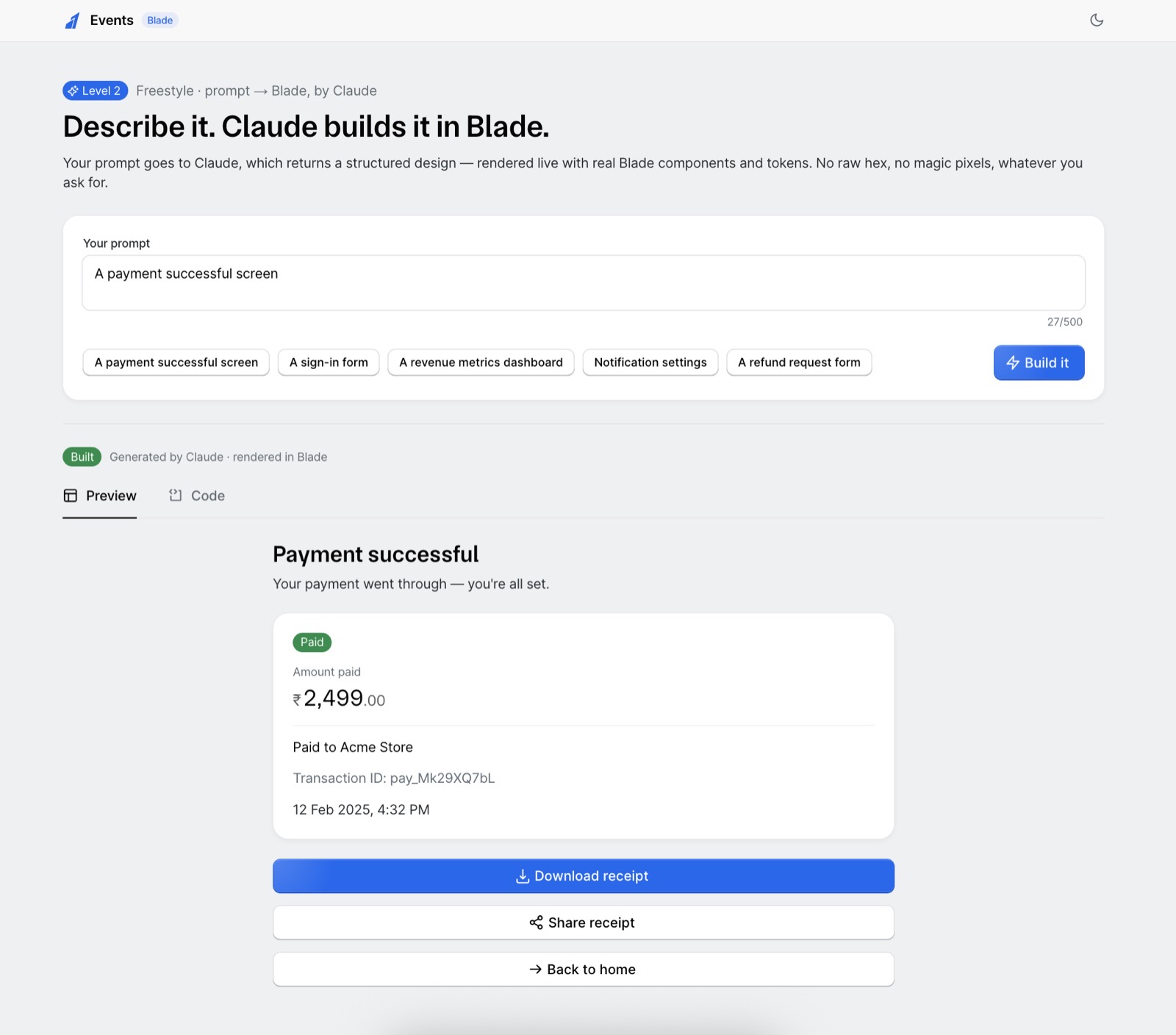
Type your prompt → Claude creates a JSON description of a screen → real Blade components rendered on screen. Built for Razorpay's Blade Build Challenge, in about two hours.
Autonomy bounded by the system, not by the prompt.
01The problem
By default, an LLM is a free-form text generator. Ask it to "design a payment screen" and it might hand back code with hard-coded colours like #00ff00, random pixel sizes, a layout that ignores your design system, or a component that doesn't exist. Often useful — but unpredictable. You can't guarantee it'll be on-brand.
02The technique
Don't let it write freely — make it fill a form. The Anthropic API has a feature called structured outputs: you hand the model a schema (a rulebook), and the reply is forced to match it. Claude chooses what goes in the blanks, but it can't add a blank that isn't on the form — the API rejects anything off-shape.
UI_SCHEMA is that strict form — the rulebook the reply is forced to match. Everything Claude is allowed to return is defined in it, and anything off-shape is rejected.
03What's inside UI_SCHEMA
UI_SCHEMA is a component library written as rules — a fixed set of elements, each with a fixed set of props, and additionalProperties: false at every level.
export const UI_SCHEMA = {
  type: 'object',
  additionalProperties: false,          // anything off-shape is rejected outright
  required: ['title', 'sections'],
  properties: {
    title:    { type: 'string' },
    subtitle: { type: 'string' },
    sections: { type: 'array', items: {
      additionalProperties: false,
      required: ['elements'],
      properties: {
        variant:  { enum: ['card', 'plain'] },
        layout:   { enum: ['stack', 'grid'] },
        heading:  { type: 'string' },
        elements: { type: 'array', items: { anyOf: [

          // every element Claude may place — and nothing else is valid
          { kind: 'heading',   text,  size?  small | medium | large },
          { kind: 'text',      text,  tone?  normal | subtle | muted },
          { kind: 'amount',    value, label?, currency? },
          { kind: 'statTile',  label, value, currency?, delta?, up? },
          { kind: 'badge',     text,  color? positive | negative | notice |
                                        information | neutral | primary },
          { kind: 'button',    text,  variant? primary | secondary | tertiary, icon? },
          { kind: 'input',     label, placeholder?, inputType? text | email | password | textarea },
          { kind: 'switchRow', title, description?, on? },
          { kind: 'person',    name,  subtitle? },
          { kind: 'feature',   text },
          { kind: 'divider' },

        ]}},
      },
    }},
  },
} as const;

// note: even 'color' is a semantic token — positive, notice — never a hex.04Blade Schema Playground
Explaining a guardrail is weaker than letting someone hit one — so I built a playground. You assemble a screen the way Claude has to, by filling the fixed form; the exact JSON spec builds alongside; then you try to add a raw colour and feel additionalProperties: false push back. It runs offline, embedded in the deck.
05The renderer — Claude's JSON becomes real Blade
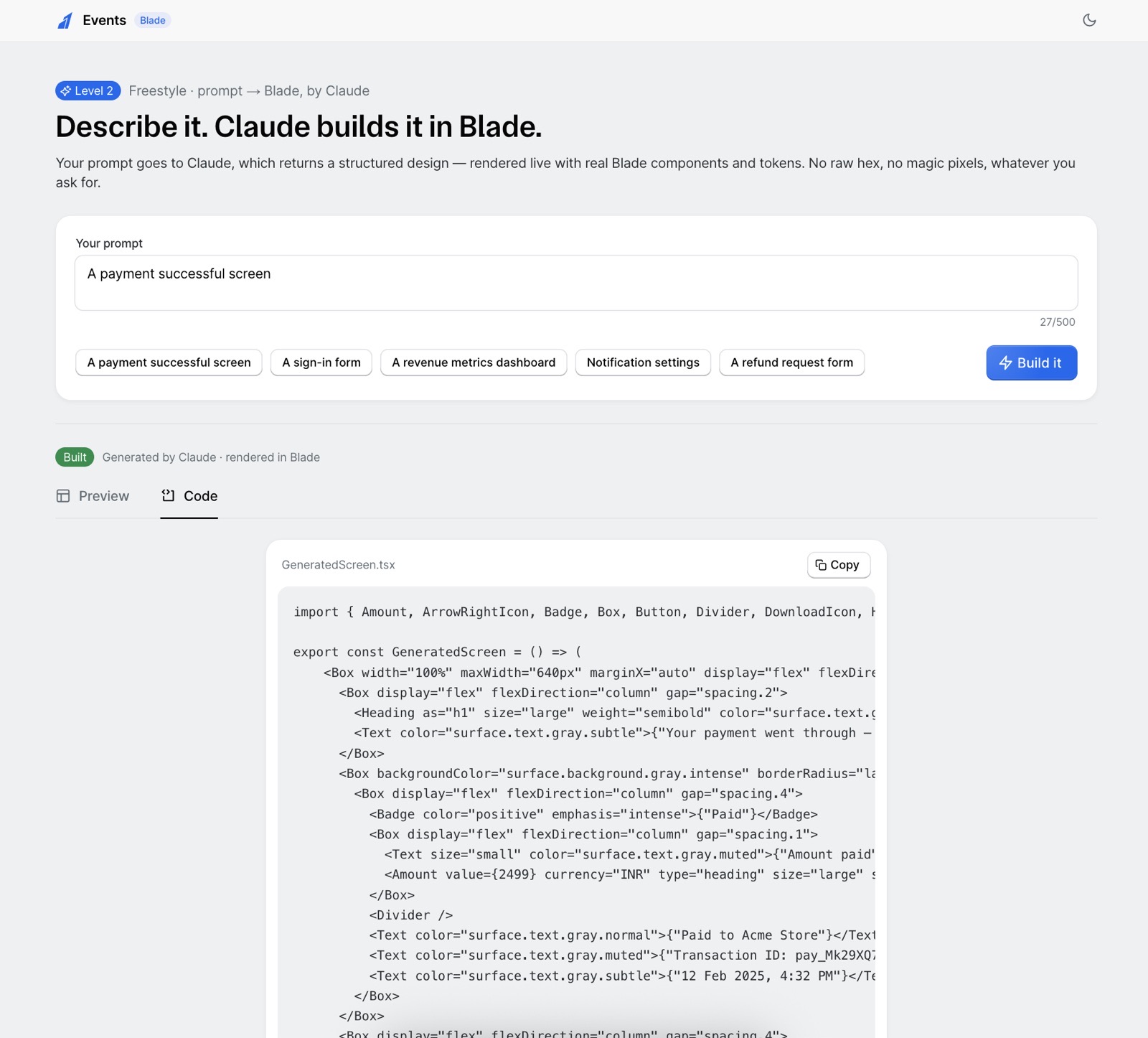
The validated spec never touches the DOM directly. A deterministic renderer walks it and swaps each kind for a real @razorpay/blade component — every colour, space and radius resolved through Blade tokens. An unknown kind is skipped, so schema drift can't crash the screen.
// a validated UIScreen  →  real @razorpay/blade components
const Element = ({ el }: { el: UIElement }) => {
  switch (el.kind) {
    case 'heading':   return <Heading size={el.size ?? 'small'} color="surface.text.gray.normal">{el.text}</Heading>;
    case 'text':      return <Text color={TEXT_COLOR[el.tone ?? 'subtle']}>{el.text}</Text>;
    case 'amount':    return <Amount value={el.value} currency={el.currency ?? 'INR'} type="heading" size="large" />;
    case 'badge':     return <Badge color={el.color ?? 'neutral'} emphasis="intense">{el.text}</Badge>;
    case 'button':    return <Button variant={el.variant ?? 'primary'} icon={ICONS[el.icon]} isFullWidth>{el.text}</Button>;
    case 'input':     return el.inputType === 'password' ? <PasswordInput label={el.label} /> : <TextInput label={el.label} type={el.inputType} />;
    case 'switchRow': return <Box …><Text weight="semibold">{el.title}</Text><Switch defaultChecked={el.on} /></Box>;
    case 'divider':   return <Divider />;
    default:          return null;   // unknown kind → skipped, the screen never crashes
  }
};